Online webhook tester

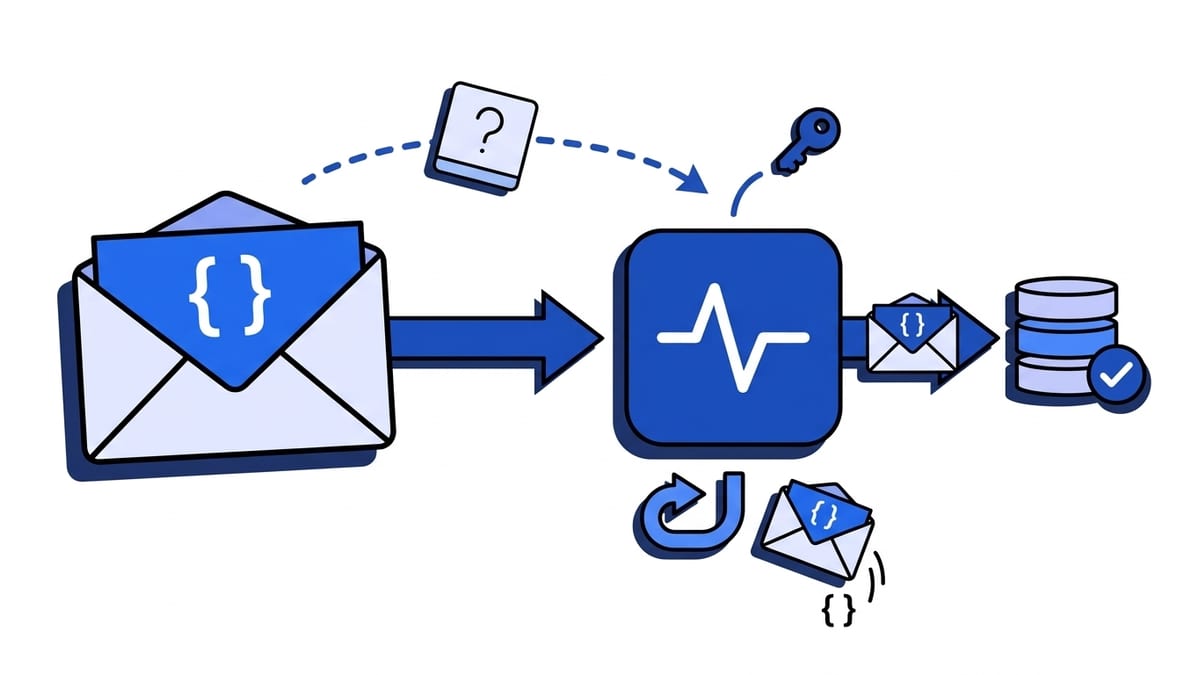
Get a free test URL, send a webhook to it, and inspect the method, headers and body the moment it lands. It runs in your browser with no signup, and the URL and everything it catches are deleted after 30 minutes.

https://app.webhooker.eu/t/…

Your URL accepts any method: POST, PUT, PATCH, DELETE or GET.

Incoming requests waiting

    Create a URL and send something to it. Requests appear here as they arrive, with no refresh.

    Lifetime
    30 minutes
    Requests kept
    20 per URL
    Size limit
    64 KB per request
    Storage
    Memory only, EU

    How it works

    How to test a webhook online

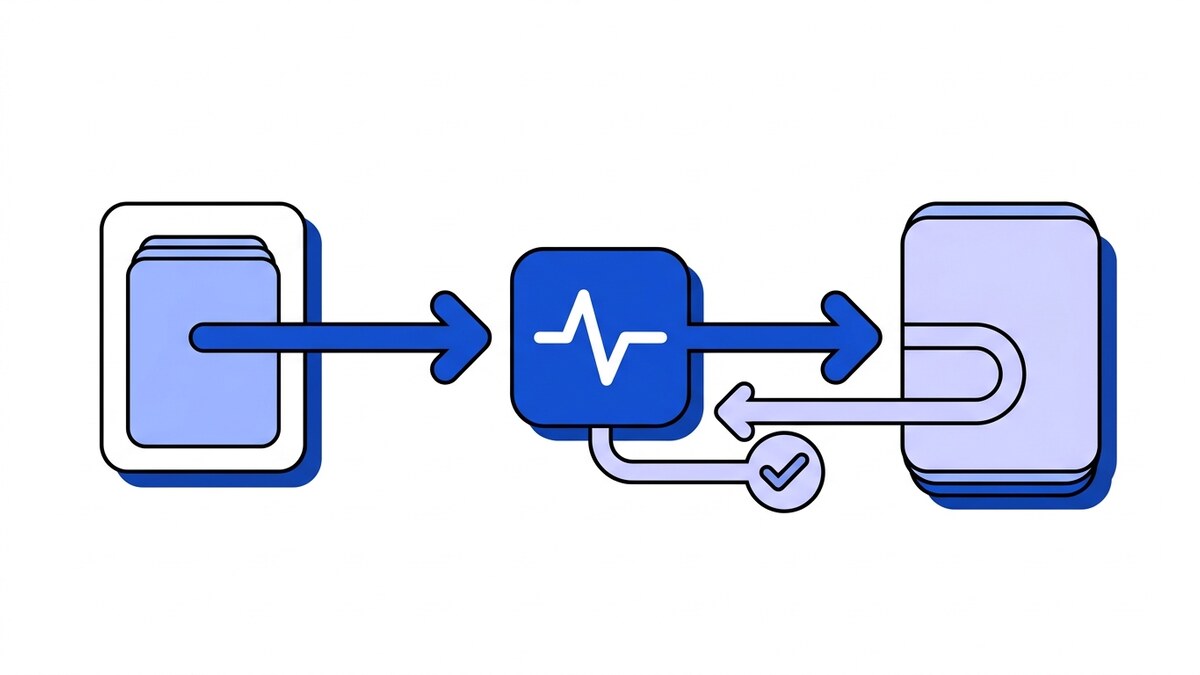
    1. Create a test URL

      Press the button. You get a unique https address right away, with no account, email or card.

    2. Send a webhook to it

      Paste the URL into Stripe, GitHub, Shopify or Zapier, run the curl command, or press Send test request.

    3. Inspect the request

      It shows up in the inspector as it lands: method, query string, every header and the body, with JSON formatted.

    Providers

    Test webhooks from Stripe, GitHub and Shopify

    Register the test URL where the provider asks for an endpoint, fire one event, and you have the exact payload and headers your handler will receive.

    Stripe

    In Workbench, open the Webhooks tab, create an event destination of type Webhook endpoint and paste the test URL. Fire an event with the Stripe CLI, for example stripe trigger payment_intent.succeeded, and read the Stripe-Signature header next to the raw body.

    Stripe webhooks guide

    GitHub

    In a repository, open Settings, then Webhooks, and add the test URL as the payload URL with content type application/json. GitHub sends a ping event straight away, so the first request arrives before you push anything.

    GitHub webhooks guide

    Shopify

    Register the test URL as a webhook subscription for your store or app and trigger the topic you care about. Every delivery carries an X-Shopify-Hmac-Sha256 header, which is the one your handler will have to check.

    Shopify webhook verification

    Compare

    Online tester or self-hosted?

    This page is the fastest way to look at one payload. When requests carry customer data, or you need a URL that answers with an error, run our open-source self-hosted webhook tester instead.

    Question Online tester Self-hosted Webhook Tester
    Setup None, it runs in this page One docker run command
    Where requests live In memory on our EU server SQLite on your own server
    How long they last 30 minutes Until the URL has been idle for 7 days, configurable
    Limits 20 requests per URL, 64 KB each 200 requests per URL, 1 MB each, configurable
    Reply sent to the provider Always 200 Any status, content type and body
    Best for A quick look at what a provider sends Customer data, retry tests, CI pipelines

    Need to send a signed event to a handler on localhost instead? Use Webhook Mock Sender.

    FAQ

    Webhook tester questions

    How do I test a webhook?

    Create a test URL on this page, register it as the webhook endpoint in the provider's settings, and trigger an event. The request appears in the inspector a moment later with its method, headers and body. No provider handy? Run the curl command shown under the URL or press Send test request.

    Is the webhook tester free?

    Yes, and it needs no account. Press the button, get a URL, send requests to it. There is nothing to install and nothing to pay for.

    How long does my test URL live?

    30 minutes. After that the URL stops accepting requests and everything it captured is gone. Create a new one whenever you need it.

    Where are the captured requests stored?

    In memory on our server in the EU, for the lifetime of the URL only. They are never written to a database or disk, and when the URL expires they are gone for good.

    Can someone else read my captured requests?

    Not from the URL alone. The URL you give a provider can only send requests; reading them needs a separate token that stays in your browser tab. Treat the tester as a scratchpad all the same: send test payloads, not production secrets.

    How is this different from webhook.site or RequestBin?

    It does the same basic job: a throwaway URL that shows you every request sent to it. The differences are that it runs on a server in the EU, keeps requests in memory only, and deletes them after 30 minutes. There is no paid tier to push you toward. If you need a URL that lives longer or replies with a custom status, use the self-hosted version below.

    Is there a self-hosted version?

    Yes. Webhook Tester is our open-source request bin that runs in one Docker container on your own server. It keeps requests in SQLite and can reply with any status code, which the online tester cannot. Use it when payloads carry customer data or when you want to watch a provider retry.

    Can I test a webhook handler running on localhost?

    The online tester only receives, so it cannot call your laptop. To send signed Stripe, GitHub or Shopify events to a handler on localhost, use Webhook Mock Sender, our open-source CLI. To see what a real provider sends first, catch one request here.

    Can it forward requests to my app?

    No, the tester only receives. Forwarding, retries, signature verification and replay are what a Webhooker source does, and the free plan covers 10,000 events a month.

    What is the size limit for a request?

    64 KB per request, with the first 16 KB shown in full. A URL keeps the 20 most recent requests and drops the oldest as new ones arrive.

    Further reading

    More on how webhooks behave

    All articles →

    Catching a webhook is the easy half.

    A test URL tells you what arrived. It will not verify the signature, retry when your service is down, keep a history you can replay, or forward anything to your app. A Webhooker source does all of that, with one ingest URL per provider and a log of every delivery attempt.