 Webhooker
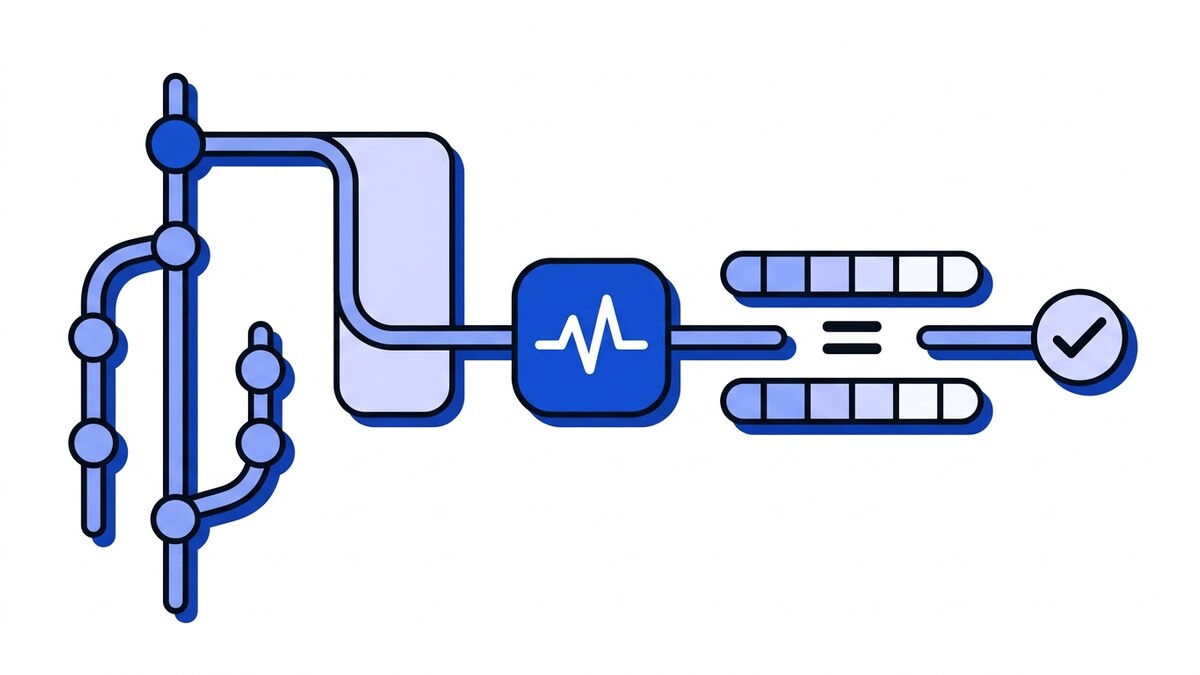
GitHub signs every webhook by computing an HMAC-SHA256 of the exact raw request body with your GitHub webhook secret as the key, then sending the result in the X-Hub-Signature-256 header as sha256=<hex>. To verify, compute the same HMAC over the unparsed bytes and compare it to the header with a constant-time check. Reject anything that does not match before you read the payload.
How GitHub signs webhooks
When you add a webhook secret in a repository or organization, GitHub uses it as the key for a keyed hash of the request body. Every delivery then carries a signature header you can recompute and check.
There are two signature headers, and the difference matters:
X-Hub-Signature-256holds an HMAC-SHA256 digest, formatted assha256=followed by the hex digest. This is the one to verify.X-Hub-Signatureholds a legacy HMAC-SHA1 digest, formatted assha1=<hex>. GitHub still sends it for backward compatibility, but SHA-1 is weak (practical collisions were demonstrated in 2017) and should not be your primary check. Bitbucket Cloud reuses theX-Hub-Signaturename but puts asha256=value in it; the Git webhooks comparison lists each platform’s scheme.
Webhooker’s GitHub preset follows the same rule when you add a GitHub source: it verifies X-Hub-Signature-256 and ignores the SHA-1 header.
The secret is never sent over the wire. GitHub holds its copy, you hold yours, and the signature proves that whoever sent the request knew the shared secret. If an attacker forges a payload without it, the digest will not line up. A captured payload resent verbatim is a different matter: the signature still validates, which is why a valid signature alone does not stop replays.
Verifying the signature correctly
The usual mistake is verifying against a re-serialized body instead of the exact bytes GitHub sent. HMAC is computed over raw bytes, so a single re-ordered key or changed whitespace produces a completely different digest. Capture the raw body before any JSON parser touches it. It is the first of six causes behind a failed signature check, and the one to rule out before looking at the secret.
Here is the sequence, independent of language:
- Read the raw request body as bytes. Do not decode it to an object yet.
- Read the
X-Hub-Signature-256header. If it is missing, reject the request. - Compute
HMAC-SHA256(secret, raw_body)and hex-encode it. - Prefix your result with
sha256=so it matches the header format. - Compare the two strings with a constant-time comparison, not
==. - On a match, parse the body and process the event. On a mismatch, return 401 and stop.
In pseudocode:
raw = request.body_bytes
sig = request.header["X-Hub-Signature-256"]
expected = "sha256=" + hmac_sha256(secret, raw).hexdigest()
if not constant_time_equals(sig, expected):
    return 401
event = parse_json(raw)
Two details protect you. Constant-time comparison, such as Python’s hmac.compare_digest, stops an attacker from learning the correct signature byte by byte through timing differences. Verifying before parsing means a forged payload never reaches code that trusts it. GitHub documents the same approach in its validating webhook deliveries guide.
Events and delivery ids
Two more headers tell you what arrived and how to track it, and a full GitHub delivery shows them in place alongside the rest of the request:
X-GitHub-Eventnames the event type, such aspush,pull_request, orissues. Route on this to decide what your handler does.X-GitHub-Deliverycarries a unique UUID for that specific delivery. Store it. It is the key that keeps you from acting on the same event twice.
The first delivery you see will not be a repository event. When you create a webhook, GitHub immediately sends a ping event to confirm the endpoint works. Verify it, return 200, and route it away from the handlers that act on repository changes.
Handling redeliveries
GitHub does not automatically redeliver failed deliveries. Redelivery is manual, from the repository or organization settings UI or through the REST API, and only covers deliveries from the past 3 days. If your endpoint was down or shipped a bug, that window is how you get the exact payloads back. A redelivery repeats the original event, though, and it reuses the same X-GitHub-Delivery id. The GitHub webhooks guide covers the events, the 10-second timeout and the redelivery API.
That id is your idempotency key. Before processing, check whether you have already handled this delivery id; if you have, acknowledge with 200 and skip the work. Comparing payloads to spot a repeat is slower and less reliable than a lookup on the id. The storage pattern behind it, and how long to keep the keys around, is covered in idempotency keys for webhook consumers.
Design for at-least-once delivery. GitHub, and any serious gateway in front of it, can send the same event more than once, so your handler has to be safe to run twice. A unique constraint on the delivery id makes the second run insert nothing.
Common failures
- Verifying
X-Hub-Signature(SHA-1) when you meantX-Hub-Signature-256, or comparing asha256=value against asha1=header. Pick SHA-256 and read the matching header. - Parsing the body before verifying. Once a framework decodes and re-encodes the JSON, the bytes change and your HMAC will never match. Grab the raw body first.
- Secret mismatch. A trailing newline, a copy-paste space, or a stale secret after rotation all break verification. Confirm the exact secret is set on both sides.
- Using
==for the comparison. Use a constant-time equality function to avoid timing leaks. - Treating the
pingevent as real activity, or returning a non-200 to it so GitHub reports the webhook as failing. - Dropping the delivery id, then reprocessing a redelivery as if it were new.
If you cannot tell which of these you are hitting, catch one delivery in a webhook tester first: seeing the real X-Hub-Signature-256 value and the raw body next to each other usually settles it in seconds. Paste the secret there to check the GitHub signature and compare the expected digest with what your code computes.
Offloading verification to a gateway
Raw-body capture and the HMAC check get reimplemented in every service that receives GitHub events, and small differences between those copies are where verification bugs come from. Moving the check in front of the application removes the copies. That is what a webhook gateway does: each source gets its own ingest URL, the HMAC is checked before the payload is accepted, and GitHub gets a quick 200 OK while delivery to your service runs later from a durable queue.
The delivery leg to your service can still fail. Attempts retry with exponential backoff, usually behind a per-destination circuit breaker, and events that exhaust their attempts wait in a dead-letter queue you can inspect and replay. Each retry and each replay hands your handler an event it may already have processed.
So the dedupe check from the redelivery section stays in your code wherever the signature is verified. A manual redelivery from GitHub carries the original X-GitHub-Delivery id, a replay from a dead-letter queue repeats a delivery that may have half-succeeded, and a handler that records a stable event id under a unique constraint can take both without doing the work twice.
Testing the check without GitHub
To fire a signed push or pull_request at a handler on localhost, without a repository and without a tunnel, use webhook-mock-sender: it computes X-Hub-Signature-256 over the exact bytes it sends and includes X-GitHub-Event and X-GitHub-Delivery the way GitHub does. --repeat 2 sends the same delivery ID twice, which is the redelivery case your dedupe logic is supposed to survive. To look at what GitHub itself sends instead, point a repository webhook at our self-hosted webhook-tester.
Frequently asked questions
SHA-1 or SHA-256?
Use SHA-256. GitHub sends both X-Hub-Signature (SHA-1) and X-Hub-Signature-256 (SHA-256) on every delivery, but SHA-1 exists only for backward compatibility with old integrations. SHA-1 is cryptographically weak, so verify the SHA-256 header and treat the SHA-1 one as legacy.
How do I re-run a failed delivery?
From GitHub, open the webhook’s Recent Deliveries in repository or organization settings, select the delivery, and click Redeliver; the REST API exposes the same action. The event returns with its original X-GitHub-Delivery id, so dedupe on that id. GitHub only offers this for deliveries from the past 3 days; if a gateway sits in front of your service, a delivery that failed downstream can also be replayed from its dead-letter queue.
What is the ping event?
ping is the first event GitHub sends when a webhook is created, a health check that confirms your endpoint is reachable and configured. Its X-GitHub-Event header reads ping rather than a repository action. Verify its signature like any other delivery, return 200 so GitHub marks the webhook active, and skip your normal event processing since it carries no repository change.














