 Webhooker
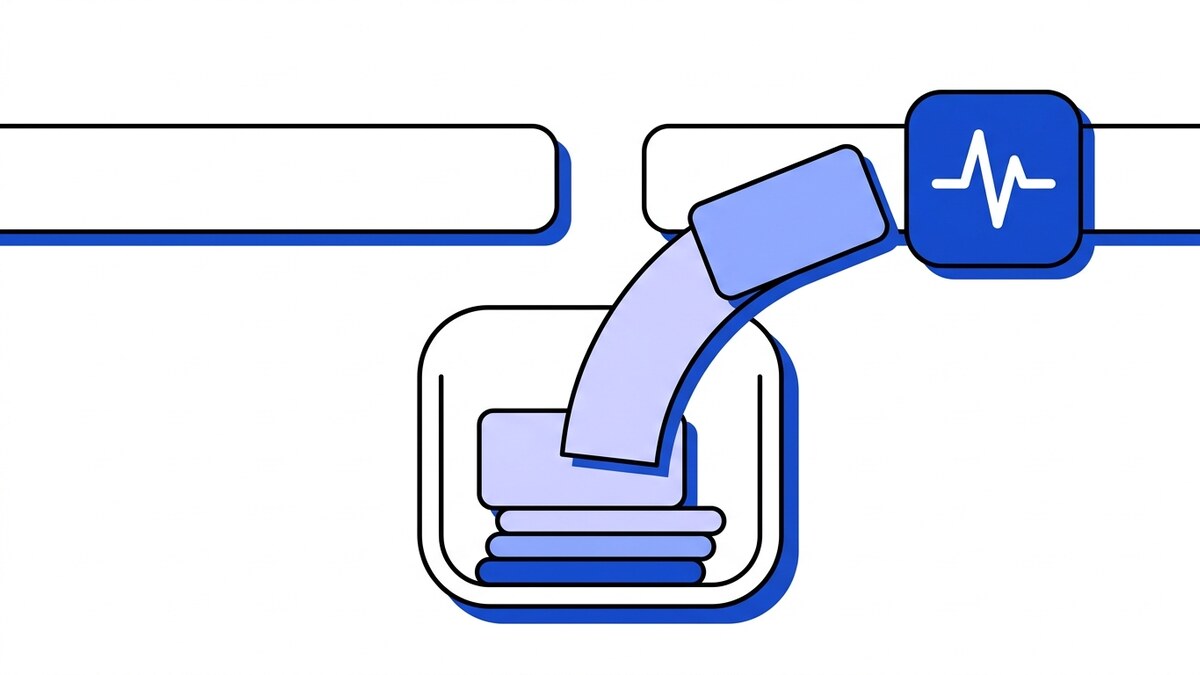
A webhook dead letter queue (DLQ) is where a failed delivery lands after its last retry fails, instead of being dropped. It holds the full event and its delivery history so you can inspect why the destination rejected it, then replay failed webhooks once the problem is fixed. Retries cover short outages, and the DLQ holds anything still failing when they stop.
What a dead letter queue actually is
A DLQ sits at the end of your delivery path. When a webhook arrives, your gateway accepts it, queues it, and a worker tries to deliver it to the destination. If that first attempt fails, the retry schedule kicks in and tries again on a backoff. Retries are finite, though, and after the last one fails the delivery has to go somewhere. Without a DLQ it goes nowhere: the event is gone, and nobody finds out until a customer asks why their data never showed up.
A dead letter queue, or webhook DLQ, is the alternative. The idea comes from message brokers, where Amazon SQS, for example, moves a message to a DLQ after it fails a set number of receives. For webhooks it’s a durable, queryable store that catches every delivery whose retries ran out. The event is parked there, labeled with why it failed, until someone acts on it. The handoff is automatic: once the retry schedule that runs before the DLQ is exhausted, the delivery moves to the DLQ.
Why you need one
Webhook destinations fail for boring, ordinary reasons, and the culprit is rarely exotic. Someone ships a bad deploy and the receiving endpoint returns 500 for twenty minutes. A database migration locks a table. An SSL certificate expires over the weekend. A rate limiter starts rejecting traffic under load. Run webhooks long enough and you will see most of these.
What matters is what happens to the webhooks that arrive during that window. If your pipeline drops them after the final retry, the outage becomes permanent data loss. The upstream service already got its 200 OK on ingest and moved on; it won’t send those events again. Even without a gateway in the middle, provider retry windows are short: Stripe gives up after three days, and GitHub never retries automatically. You can’t ask for a redelivery you never tracked.
A DLQ turns a permanent loss into a temporary one. The events that failed during the outage stay in the queue, and once you fix the destination you replay them. Recovery becomes a replay job, and nobody downstream has to reconcile missing orders by hand.
What to capture
A DLQ is only as useful as the context it stores. Catching the event but throwing away the reason it failed leaves you guessing. At minimum, a good DLQ entry holds four things.
The full original event. The exact payload and headers as they arrived, so a replay sends the original bytes instead of a reconstruction. This is also the longest-lived copy of the payload you hold, so if the events carry PII, your DLQ retention window falls under GDPR as well as ops.
The per-attempt history. Every delivery attempt, when it ran, and how long the gateway waited between them. This shows you whether the destination was flapping or fully down.
The response codes and bodies. What the destination returned on each attempt. A 401 points somewhere very different from a 503, and the response body often carries the specific error message.
The failure reason. A short, captured summary of why the delivery ended up here: connection refused, timeout, HTTP 500, circuit open. Repeated connection refusals against one destination often mean an allowlist rather than an outage, which is where a static outbound IP stops the problem recurring.
With all four stored together, opening a failed delivery shows the whole timeline. A single “failed” flag with no attempts or responses behind it forces you to reproduce the problem before you can diagnose it.
Inspecting the DLQ
When something breaks, the first job is scoping the damage. A pile of failures is noise until you can slice it, which is why the DLQ has to be queryable.
You want to filter by destination, because outages are usually per-destination: one endpoint is down while the rest are fine. You want to filter by source, to see whether a particular integration is sending malformed payloads. And you want to filter by time, to draw a box around the outage window and see exactly what fell in.
With those filters you move from “some webhooks are failing” to “everything to the billing endpoint between 14:00 and 14:20 got connection-refused.” You now know what broke, roughly when, and how many events are waiting to be recovered. The response bodies attached to each entry usually tell you why, which points you at the fix.
Replaying failed deliveries
Once you have fixed the destination, replay pushes the parked deliveries back through. For how replay fits with provider retries, and a runbook for a long outage, see webhook retries and replay.
For a one-off, a single failed delivery gets a one-click resend: verify the fix, resend, and check the new attempt succeeds. An outage that caught hundreds of events needs bulk replay instead, where you select the window you scoped during inspection and replay all of it at once. Webhooker’s dead letter queue supports both one-click and bulk replay.
Replay is only safe when your consumers are idempotent. Some of the events you are about to replay may have partially succeeded before the destination died, and a replay delivers them again. That is a deliberate case of the at-least-once contract every gateway offers. If your handler treats a repeated event as a brand-new one, you double-charge a card or send a duplicate email. This is why safe replay needs idempotent consumers: dedupe on an event ID so a redelivery is a no-op. With that in place, you can replay an entire outage window at once.
A DLQ beats grepping logs
You might argue you already have logs. When a delivery fails, you log it, and you can go read the logs later. Why add a queue?
Because a log line is a record of the failure and nothing more. Logs tell you something failed. They don’t hand you the original payload in a form you can resend, and they don’t give you a way to resend it. To recover from logs you’d parse them, reconstruct each request, and fire it with a script, hoping you rebuilt the headers correctly. That’s archaeology, not operations.
A DLQ stores the failed deliveries themselves, filterable by source, destination and time, with a replay action on every entry. Nothing gets reconstructed, because the original event is already there. That matters most for the parts logs tend to drop or truncate: full headers, large bodies, and the exact bytes a handler may depend on when it parses the payload.
Frequently asked questions
How long are DLQ events kept?
Failed deliveries stay in the DLQ according to your plan’s retention window: 14, 30, or 90 days. Those windows are enforced deletion, not archival, which matters when the parked payloads carry personal data (see EU-hosted webhook infrastructure and GDPR retention). Within that window you can inspect any failed delivery and replay it. A longer window helps most with slow-to-surface problems, where a destination issue goes unnoticed for days and you still need the original events to recover.
Won’t replay double-process events?
It can, if your consumer isn’t built for it. A replay redelivers the original event, and some events may have already been processed before the destination failed. The fix is idempotent consumers: dedupe on a stable event ID so a repeated delivery is ignored. With that in place, replay is safe to run even across events that partly succeeded the first time.
Can I replay a whole outage window?
Yes. That is the main reason bulk replay exists. Filter the DLQ by destination and time to draw a box around the outage, confirm the endpoint is healthy again, and replay the whole selection in one action instead of clicking through events one by one. If the outage lasted longer than the retention window on your plan, the oldest events will already be gone, so check the window’s start time before assuming everything is recoverable.














