 Webhooker
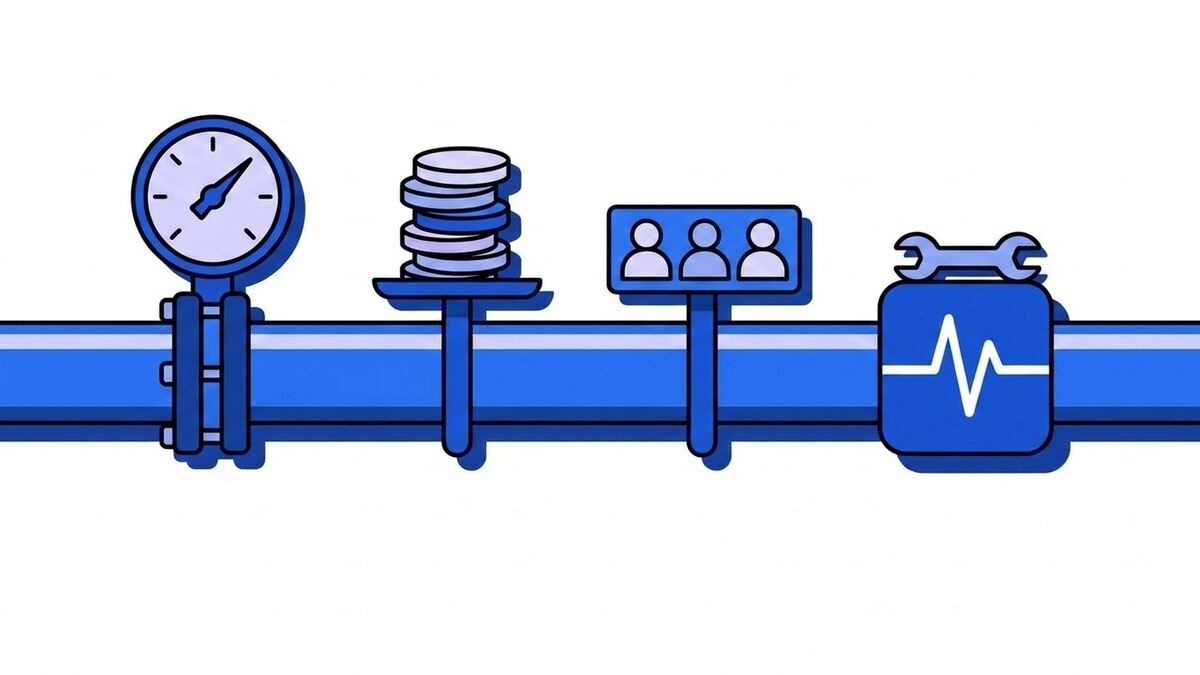
Webhook pricing for webhook gateway infrastructure usually follows one of four models: per-event pricing on inbound webhooks, per delivery, per seat, or self-hosted with no vendor invoice at all. Each model is predictable under one workload and painful under another. Per-delivery billing charges you for fan-out, per-seat billing charges you for hiring, and self-hosting charges you in engineer-hours nobody put on a purchase order. The unit being metered matters more than the headline price.
Teams often find that out after signing. Two services can advertise similar monthly prices and differ by an order of magnitude on the same workload, because one counts the webhooks that arrive and the other counts the requests that leave. Only the first tracks your business volume.
Why webhook pricing is hard to compare
The category has no shared unit. Vendors meter inbound events, outbound deliveries, active destinations, workspace seats, or some combination, and the pricing page rarely says which one moves when your traffic moves.
Take a concrete workload. You receive 50,000 Stripe events a month, and each has to reach three internal services: a billing worker, an analytics pipeline, a Slack notifier. Under an inbound meter that is 50,000 billable units. Under a delivery meter the same traffic is 150,000. Your business is the same in both cases. The second model simply counts fan-out you would have done anyway.
Now add a bad afternoon. One destination returns 503s and the gateway retries each delivery six times before giving up. If retries are billable, someone else’s outage lands on your invoice. For a product-by-product view rather than the models behind them, we keep a separate piece on how the main webhook gateways compare, plus a checklist for shortlisting EU-hosted Hookdeck alternatives that puts billing unit and overage next to residency.
Table: the four common pricing models, the unit each one meters, and the workload shape that makes each one expensive.
| Model | Metered unit | Predictable when | Breaks when |
|---|---|---|---|
| Per-event (inbound) | Webhooks received | Traffic tracks business volume | Fan-out is billed separately on top |
| Per-delivery | Outbound HTTP requests | One event goes to one place | You fan out, or a destination fails and retries |
| Per-seat | Workspace members | The team is stable and small | You onboard support, ops or contractors |
| Self-hosted | Nothing, upfront | You already run queues at scale | Someone has to be on call for it |
Model 1: per-event, metered inbound
The meter runs when a webhook arrives at your ingest URL. One POST from Stripe, one billable event. It maps cleanly onto how a business grows: more orders means more order.created webhooks means a bigger bill, in roughly linear proportion, and you can forecast it from your own dashboards.
One question decides whether the model holds. If the vendor charges per inbound event and per outbound delivery, you are on a hybrid and the inbound price is half the story. Ask directly: if this event has to reach four destinations, do I pay once or four times? The answer moves the effective price by 4x, and the pricing page does not always give it.
Model 2: per-delivery
The meter runs on the way out: each attempted request to a destination is a billable unit, so one event delivered to four services costs four units.
The bigger cost is what this model does to your architecture. Once fan-out is metered, every new consumer carries a line-item cost, and engineers respond rationally: they stop adding destinations. Instead of routing payment.succeeded to three small, independently deployable services, someone builds one fat endpoint that receives everything and re-dispatches internally. That is a message bus rebuilt inside your application, badly, to avoid a billing line. The invoice shows the deliveries you avoided and none of the coupling you took on.
Per-delivery billing also moves other people’s reliability problems onto your bill. Retries are deliveries, and a well-behaved gateway makes a lot of them, since exponential backoff is designed to keep trying long after a destination stops answering. A destination down for two hours produces the same events, more attempts, and a larger invoice. Find out whether retries are billed before anything else. Some vendors bill only the first attempt, which removes most of the sting.
Model 3: per-seat
Seat-based pricing decouples cost from traffic entirely. You pay for people with dashboard access, whatever the volume of webhooks they watch. For a small team with heavy volume that can be the cheapest arrangement available, and the bill moves only when headcount does.
It also penalizes the behavior you want. Support wants to check whether a customer’s order fired, and an ops engineer wants the delivery log during an incident. When each of those is a purchasing decision, teams share one login and lose the audit trail that made the dashboard worth having. Check whether read-only access costs the same as full access.
Model 4: self-hosted
Run the queue yourself and there is no per-event fee at all. For teams already operating Postgres, a job runner and an on-call rotation, this is a legitimate answer: the marginal cost of one more consumer of existing infrastructure can be near zero, and a Postgres job queue on SKIP LOCKED is a smaller lift than a broker.
The bill still exists; it is denominated in engineer-hours. Signature verification per source, exponential backoff with jitter, per-destination circuit breakers, a dead-letter queue with replay, per-attempt history you can search. None of these is hard in isolation. Together they are a product, and the maintenance never finishes: someone owns it during the incident, someone answers “did this webhook arrive?” at 23:00. A separate article works through what self-hosted webhooks cost to build and run in detail.
Self-hosting can be the right answer. The problem is that its cost rarely enters the comparison, so on a spreadsheet it always appears to win.
The overage trap
Overage is the rule a vendor applies to events above your plan’s quota. It is the part of a webhook price most likely to surprise you, because you do not control how many events your providers send.
Usage-based overage means the meter keeps running past your plan limit at a per-unit rate. For gradual growth that is fair. Spikes are different. A provider replays a backlog after their own incident. A misconfigured source starts sending every state change instead of the three you subscribed to. A system you do not own decides what your invoice says, and you find out at the end of the month.
Three designs are common:
- Hard cap. Traffic above quota is rejected. Predictable cost, at the price of dropped events. Usually the wrong trade, since the provider will not hold them for you forever.
- Soft buffer. A defined allowance above quota is served at no charge, and sustained overuse becomes a conversation about moving up a plan rather than a line on the invoice.
- Metered overage with a spend alert. The overage is billed, but you are told as it accrues. Better than silence, still reactive.
Ask the operational question rather than the pricing one: at 101% of quota, does my event get delivered, and does anyone tell me?
What to check before you sign
Ask a webhook vendor these seven questions before you sign. The answers move your monthly bill more than the headline price per event does.
- Is fan-out billed? One event to four destinations: one unit, or four.
- Are retries billed? Specifically, retries against a destination that is failing.
- What counts as an event? Health checks, test pings from a provider’s dashboard and payloads that fail signature verification are all arriving HTTP requests.
- What is the retention window? Retention is a cost lever sold as a feature, and a 24-hour window makes a bug reported Monday about Friday’s webhook impossible to investigate. It is also a compliance lever, because stored payloads are usually personal data.
- Does replay cost extra? Replaying a thousand dead-letter events is a thousand deliveries under some meters.
- What does an annual commitment buy? A yearly cycle is normally a discount for paying up front on the same product. Check what is fixed for the year (the price, or the quotas as well) and what happens if you upgrade in month three, or need to move back down in month nine.
- Which limit binds first? Sources, destinations, seats and events all have ceilings. The one you hit first defines your plan, whichever the pricing page leads with.
A worksheet you fill with your own numbers
Reduce every candidate to one comparable figure:
effective cost per inbound event = monthly bill / events received in your busiest monthUse the busiest month rather than the average, because averages hide the spike that overage billing charges for.
Table: fill the middle column from your own traffic, then run each vendor’s model against it.
| Line | Your number | Why it matters |
|---|---|---|
| Inbound events, busiest month | The base unit under an inbound meter | |
| Destinations per event (average) | Multiplier under a per-delivery meter | |
| Deliveries = events × destinations | The base unit under a delivery meter | |
| Retry attempts per failed delivery | Multiplier during someone else’s outage | |
| Worst month as % of average | Your real overage exposure | |
| Retention needed, in days | Set by your support process, not the vendor | |
| People who need delivery history | Seat limits bind sooner than teams expect |
Two rows do most of the work. If destinations-per-event is above one, per-delivery pricing costs a multiple you can calculate exactly. If your worst month sits well above average, the overage rule matters more than the base price.
How Webhooker prices it
We chose the inbound meter for the reason the worksheet points at: of the units above, it is the one that tracks your business rather than your architecture.
One event is one inbound webhook received on your ingest URL. Fan-out to many destinations is not billed per delivery, so routing order.created to five services costs the same as routing it to one. Delivery retries are not new events either; the meter runs once, when the webhook arrives.
On quota, there is no overage billing. Usage up to 120% of your monthly quota is allowed at no charge on every plan. If you pass that buffer regularly, the next plan up is cheaper than the extra usage would be. Paid plans are billed in euros with a VAT invoice, monthly or yearly.
The yearly cycle is twelve months at the price of ten: Pro €290 a year instead of €348, Team €990 instead of €1,188, with the same quotas, retention and features either way. You pick the cycle at checkout, and Free has no yearly option. Event quotas stay monthly on a yearly subscription; only the amount you pay changes.
Retention is a cost lever for us too. Ours is 14 days on Free, 30 on Pro and 90 on Team, with data deleted automatically at the end of the window. Ordered delivery and a static outbound IP are Team-plan features. Quotas, sources, destinations and seats for each plan are on the pricing page.
To check the worksheet against live traffic, point one real source at an ingest URL on a Free account (10,000 events a month, no card) for a week, then compare the event count on your dashboard with the deliveries a per-delivery meter would have charged for.
Frequently asked questions
Do retries count as events?
On Webhooker, no. One event is one inbound webhook received on your ingest URL, and nothing after that is metered again: fan-out to several destinations, retries with exponential backoff against a failing endpoint, or replay from the dead-letter queue. The only way a retry reaches the meter is if the upstream provider re-sends because it never received an acknowledgement. Under per-delivery pricing elsewhere, retries are frequently billable, so ask explicitly before comparing headline prices.
What happens if I go over my monthly quota?
Usage up to 120% of your plan quota is served at no charge, on every plan. There is no overage billing and no surprise invoice, so a provider replaying a backlog or a heavy sales week does not become a line item you never agreed to. If you pass the buffer month after month, the next plan up is cheaper for your traffic, and changing plan takes effect from the dashboard right away.
Is per-event pricing always cheaper?
No, which is why the worksheet exists. If nearly every event goes to a single destination and your team is large, a seat-based or delivery-based plan can work out lower. If you already run Postgres, a job runner and an on-call rotation, self-hosting can be cheaper in cash while costing more in attention. Per-event billing wins when you fan out, when your volume is spiky, and when you want more people looking at delivery history rather than fewer.














